
Independent teachers work alone, so they don't have these screens. To add teachers, switch to an institute from Org → Details.
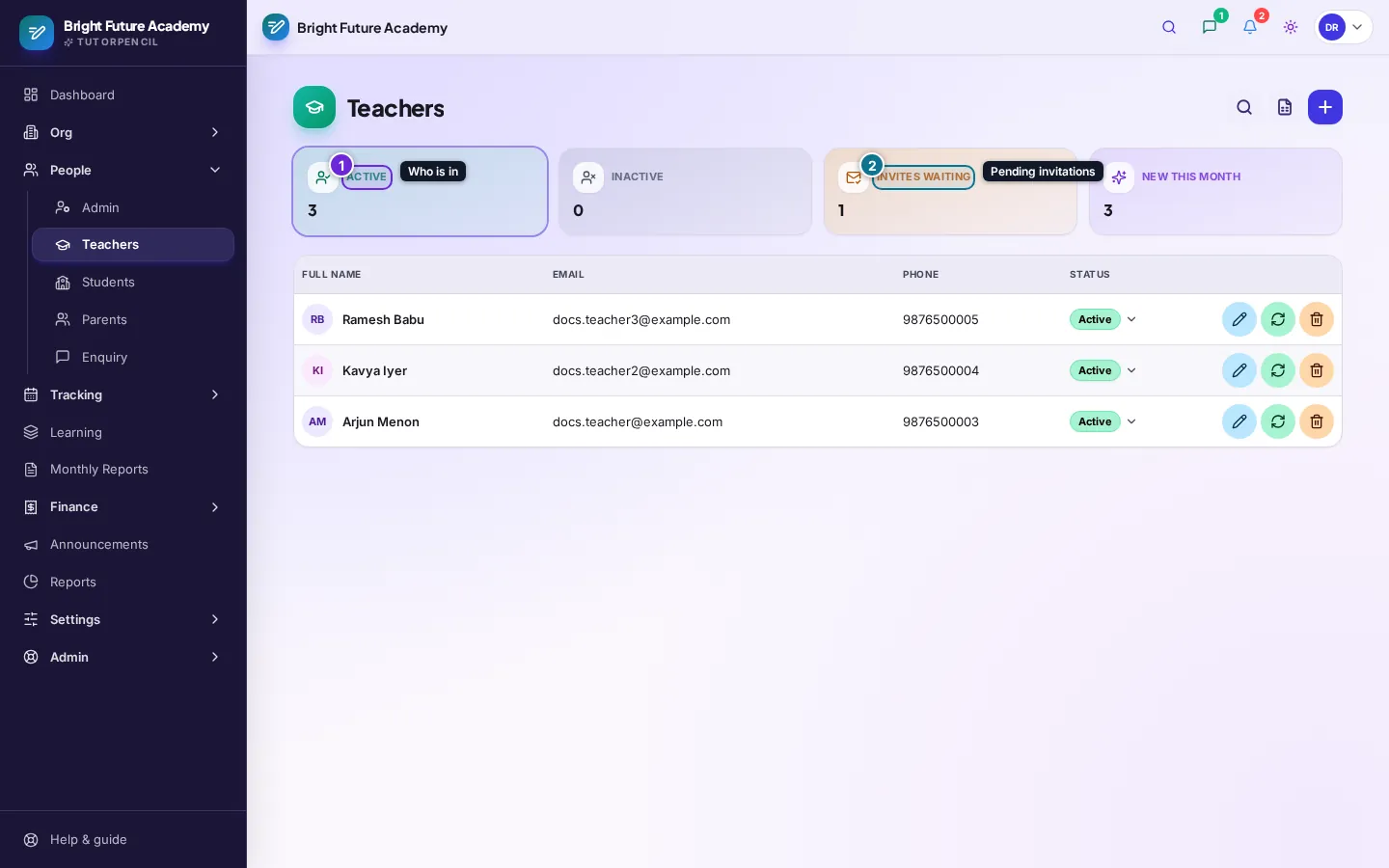
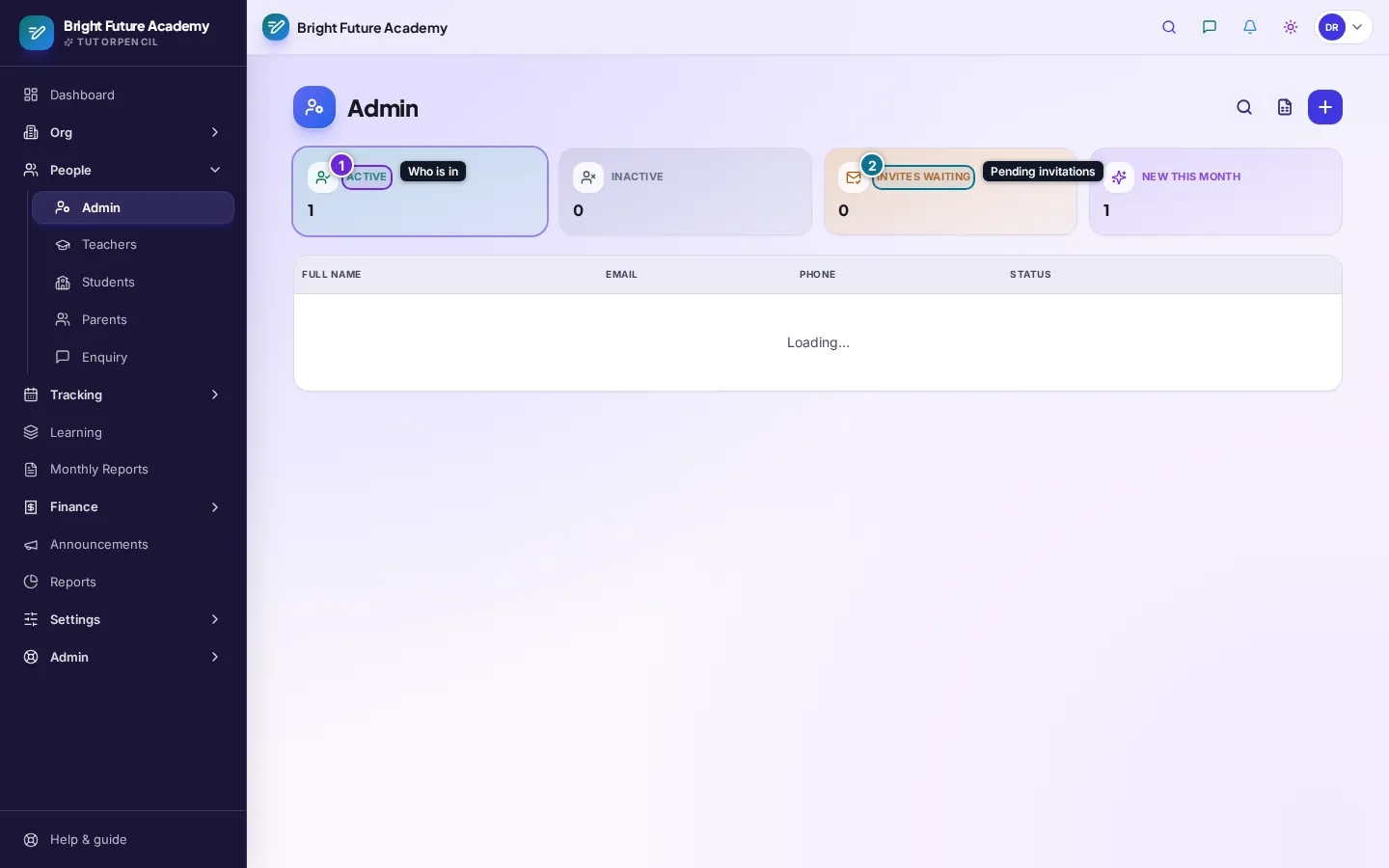
- Open People → Teachers (or People → Admin) and press the add button.
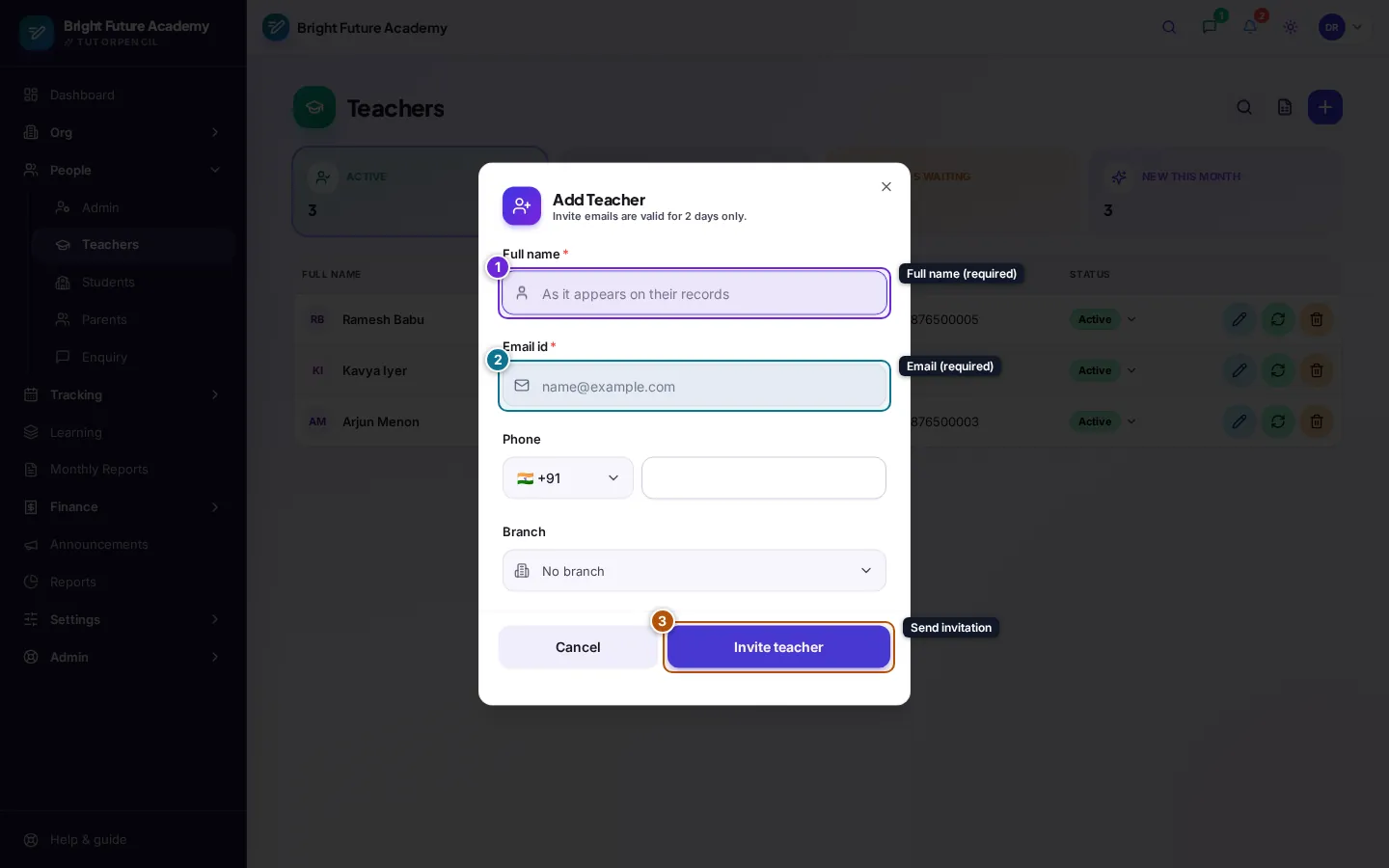
- Fill Full name, email and phone, and choose the Branch.
- Optionally choose a Custom role to apply that role's module access (see Roles and who can do what).
- Save. An invitation email with a join link is sent at once — valid for 2 days.
- Make the teacher a teacher of their batches (Org → Batches).
Daily use
- Pending invitations are on the Invites tab: Re-send, Copy invite link or Revoke invitation.
- To fix a wrong email, use Re-invite with a new email on the person's row.
- Teachers' hourly rates and monthly hours are under Finance → Teacher Hours & Pay.
Troubleshooting & FAQ
"The link expired" — press Re-send on the Invites tab; links last 2 days. I invited the same person twice — the app keeps the invite that is already active ("An active invite already existed, so we kept it").
Related pages: Roles and who can do whatAccept an invitationBatches