
- At the test time, open Learning, your batch and the test. The test opens only inside its time window.
- Answer each question. For written questions, type in Write your answer.
- Press Submit paper, then confirm Submit. After that you can't change your answers.
- You see Your paper is submitted.
Troubleshooting & FAQ
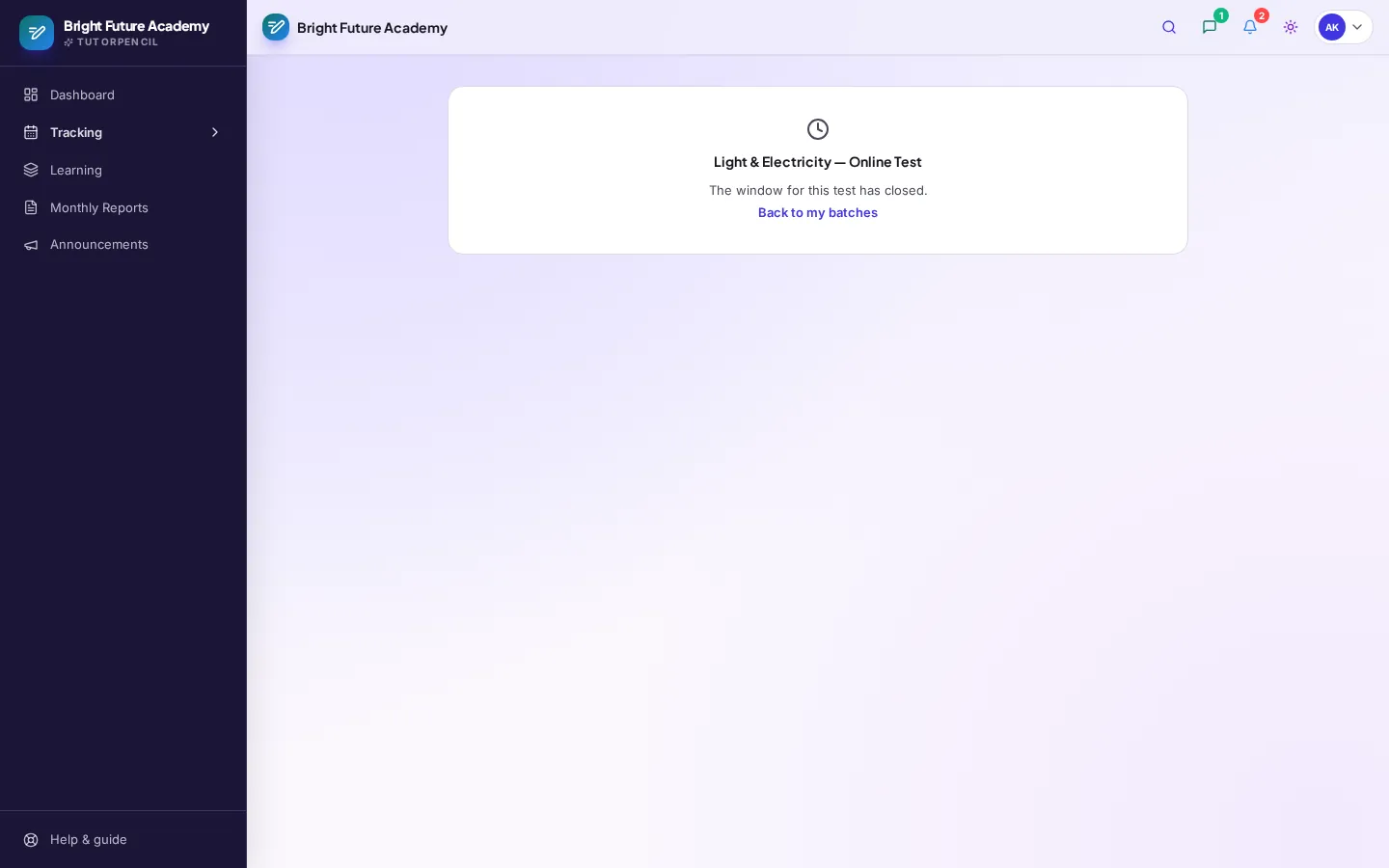
The test won't open — it hasn't started yet or the time window has ended. I submitted by mistake — a submitted paper can't be reopened; tell your teacher.
Related pages: Tests, online exams and resultsResults & report cards