
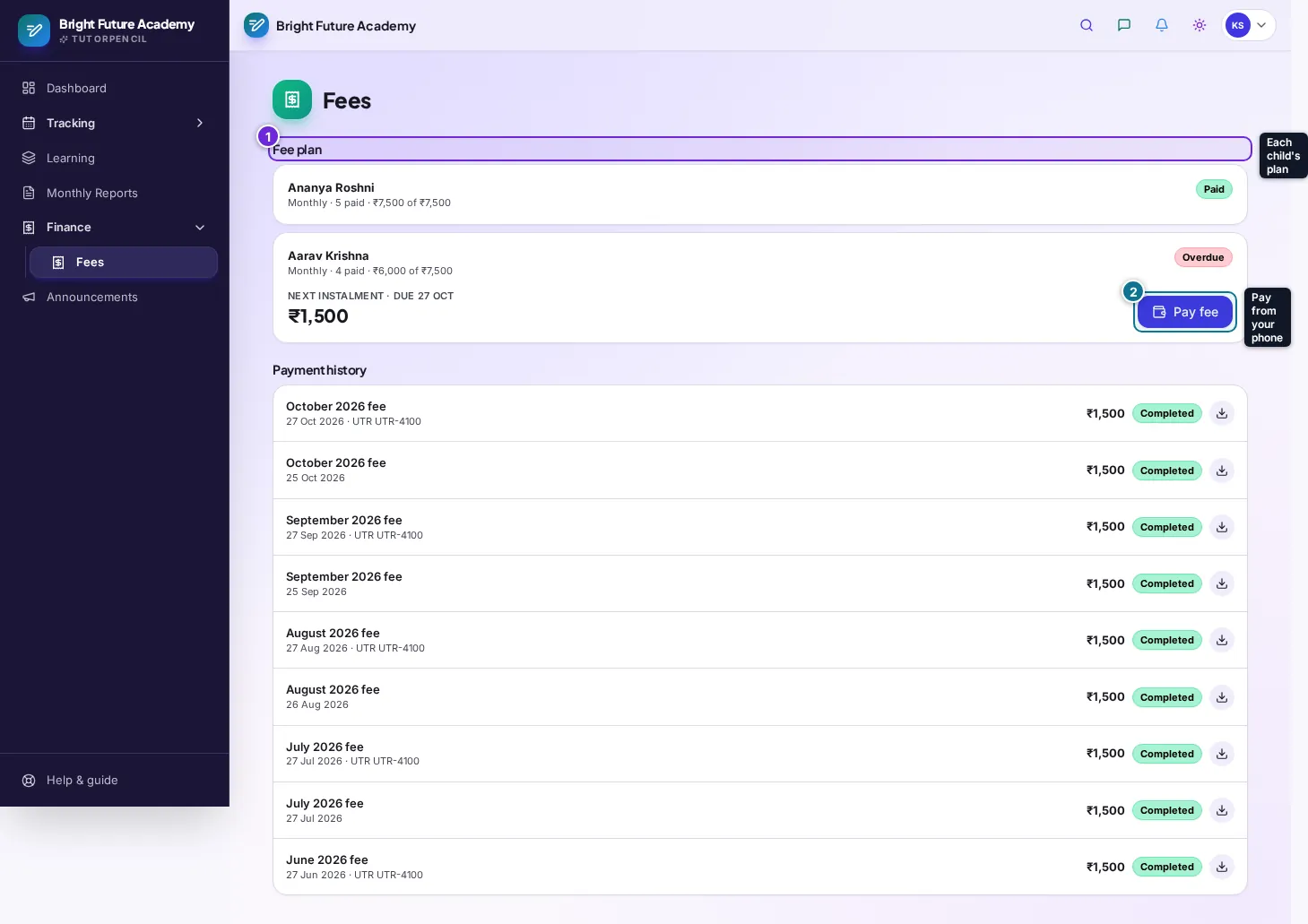
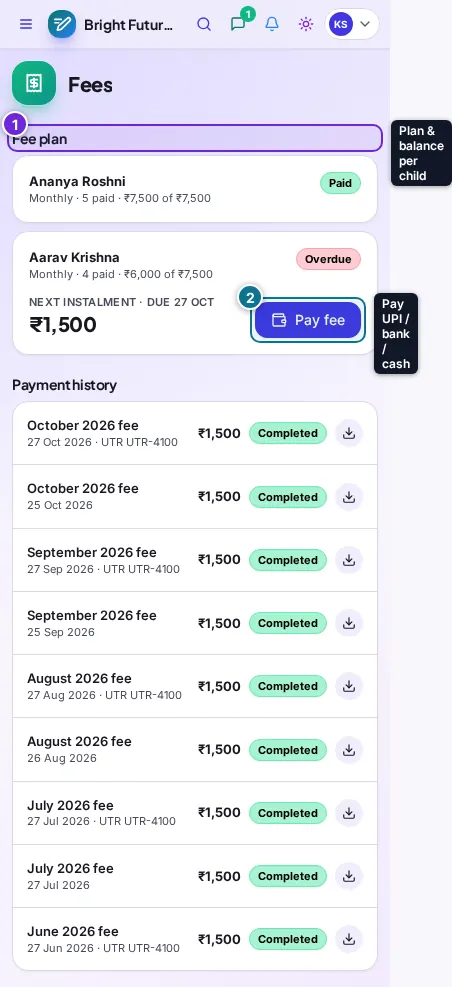
- Open Finance → Fees and press Pay fee.
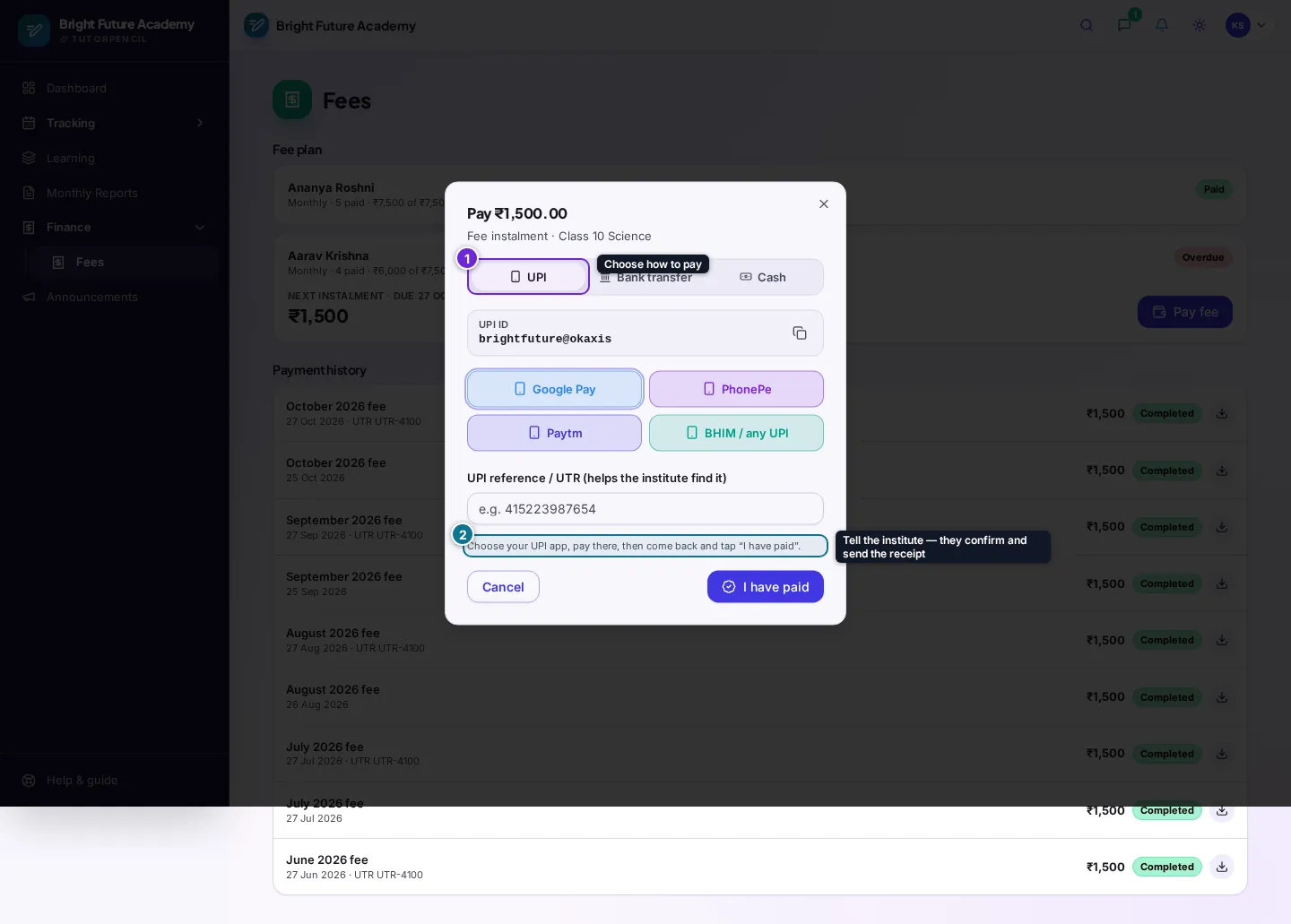
- Choose How you pay: UPI, Bank transfer or Cash.
- UPI: choose your UPI app, pay there, then come back. Bank transfer: use the account details shown and enter the Transfer reference / UTR. Cash: pay at the counter.
- Tap I have paid so the institute knows. Your receipt comes once they confirm they received it.

How it works
Parents see each child's fee plan, what is paid and what is due, on the Dashboard and under Finance → Fees. They pay the institute directly — the money goes straight to the institute, not to TutorPencil.
Troubleshooting & FAQ
"Your institute has not set up a way to pay here yet" — ask the institute, or pay them directly. I paid but it still shows due — the institute hasn't confirmed it yet. Adding the UTR helps them find it.
Related pages: UPI & online payments to verifyFee plans & schedulesUnpaid students & reminders