
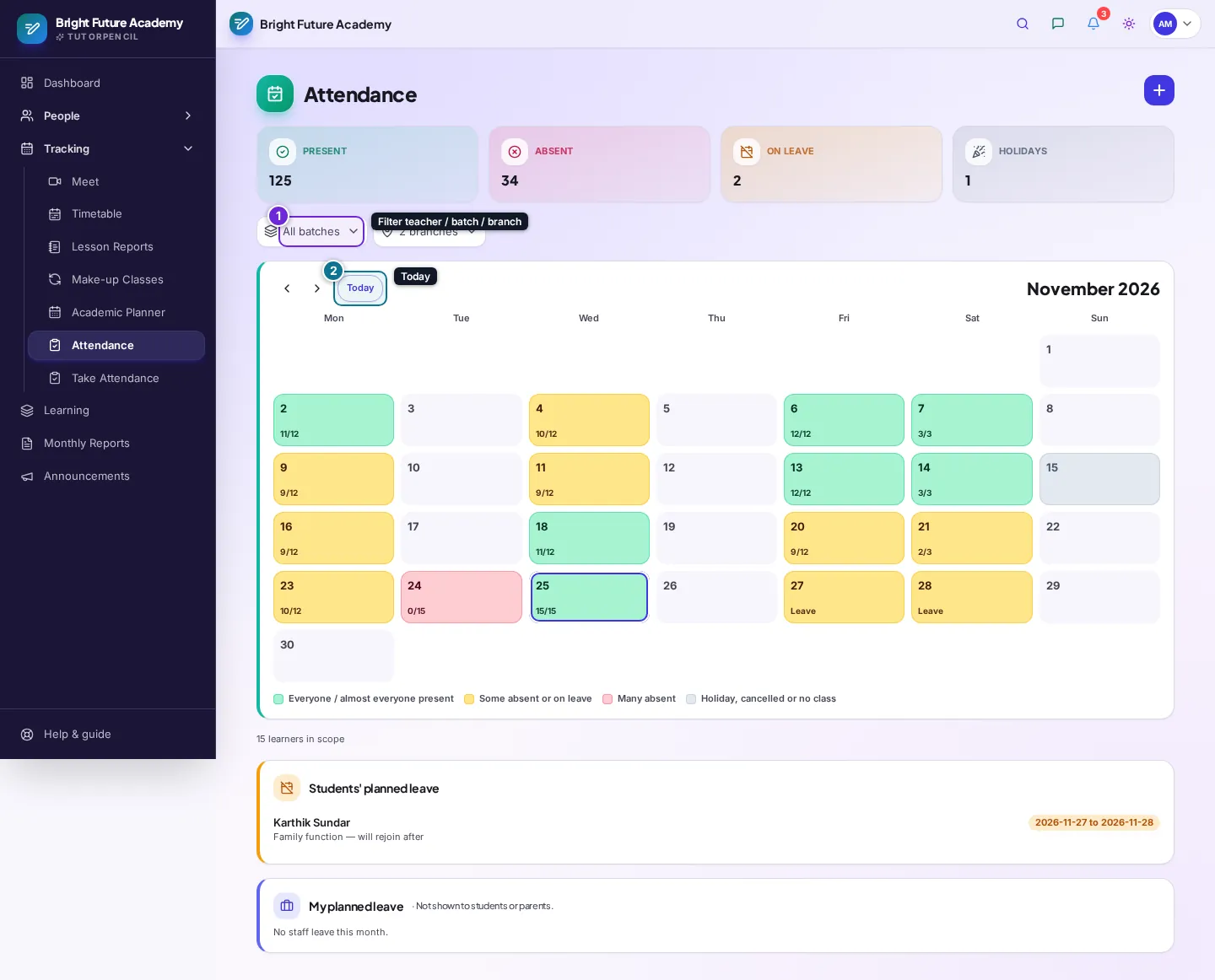
- Open Tracking → Attendance and press +.
- Pick the Learner (parents with several children, and staff).
- Choose the First day and Last day (leave the last day empty for one day) and add a Reason, for example "Family function".
- Save.
How it works
Students and parents add planned leave ahead of time; the teachers are notified and those days are marked as planned leave instead of absent. Staff add their own leave the same way: a teacher's leave is seen by admins and the owner, and an admin's by the owner.
Troubleshooting & FAQ
The day still shows absent — the leave must cover that date. Check the first and last day.
Related pages: Taking attendanceMake-up classesAttendance calendar & day roster