
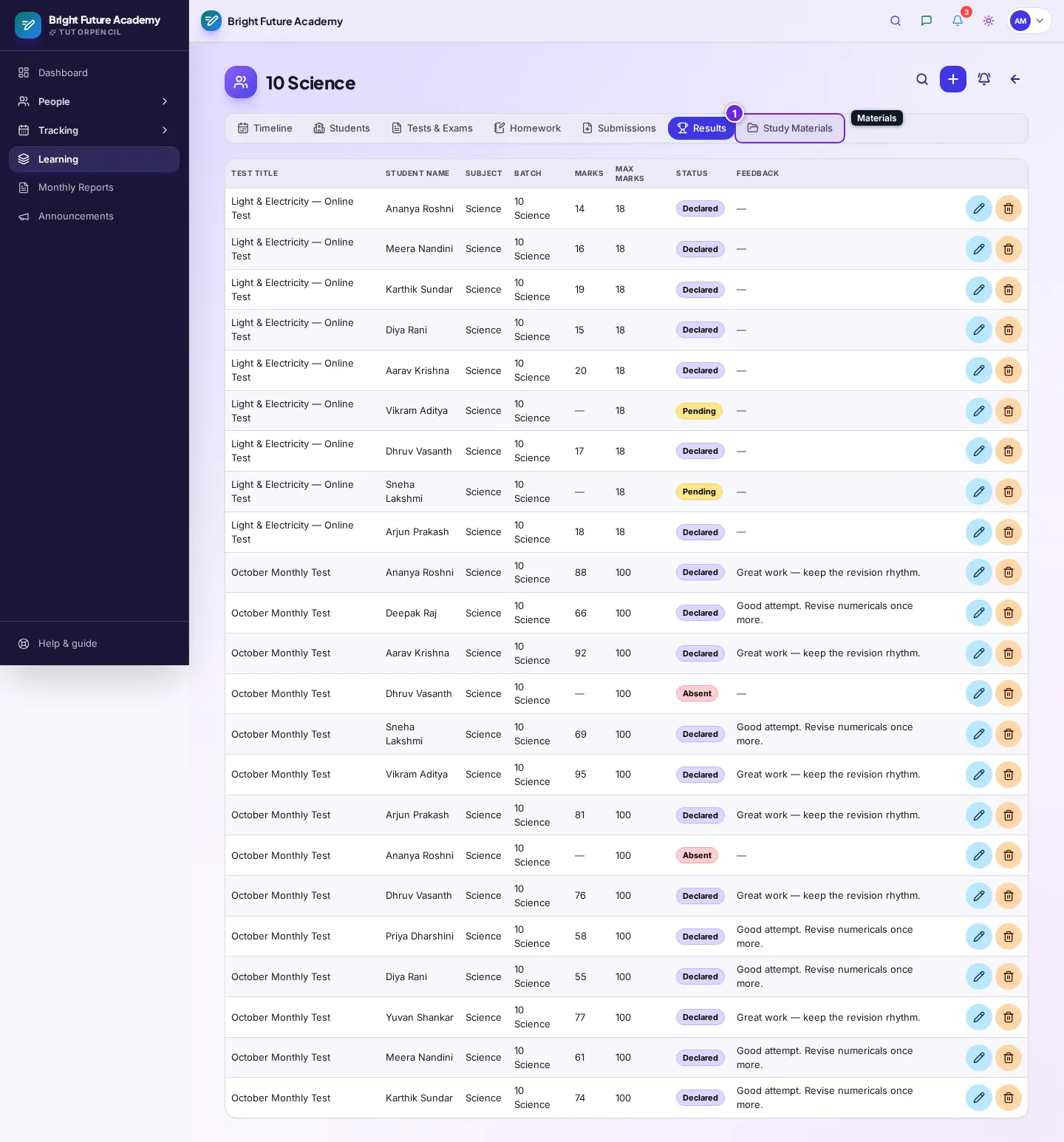
- Teachers: open Learning, pick the batch and add a material (Share files or links with this batch).
- Fill the Title, then upload files or add links.
- Save. The batch's students and parents see it straight away.
Troubleshooting & FAQ
Students say they don't see it — check the material was added to the right batch. A PDF opens blank on a phone — download it and open it in the phone's PDF viewer.
Related pages: Homework & submissionsLearning — inside a batchTimetable