
How it works
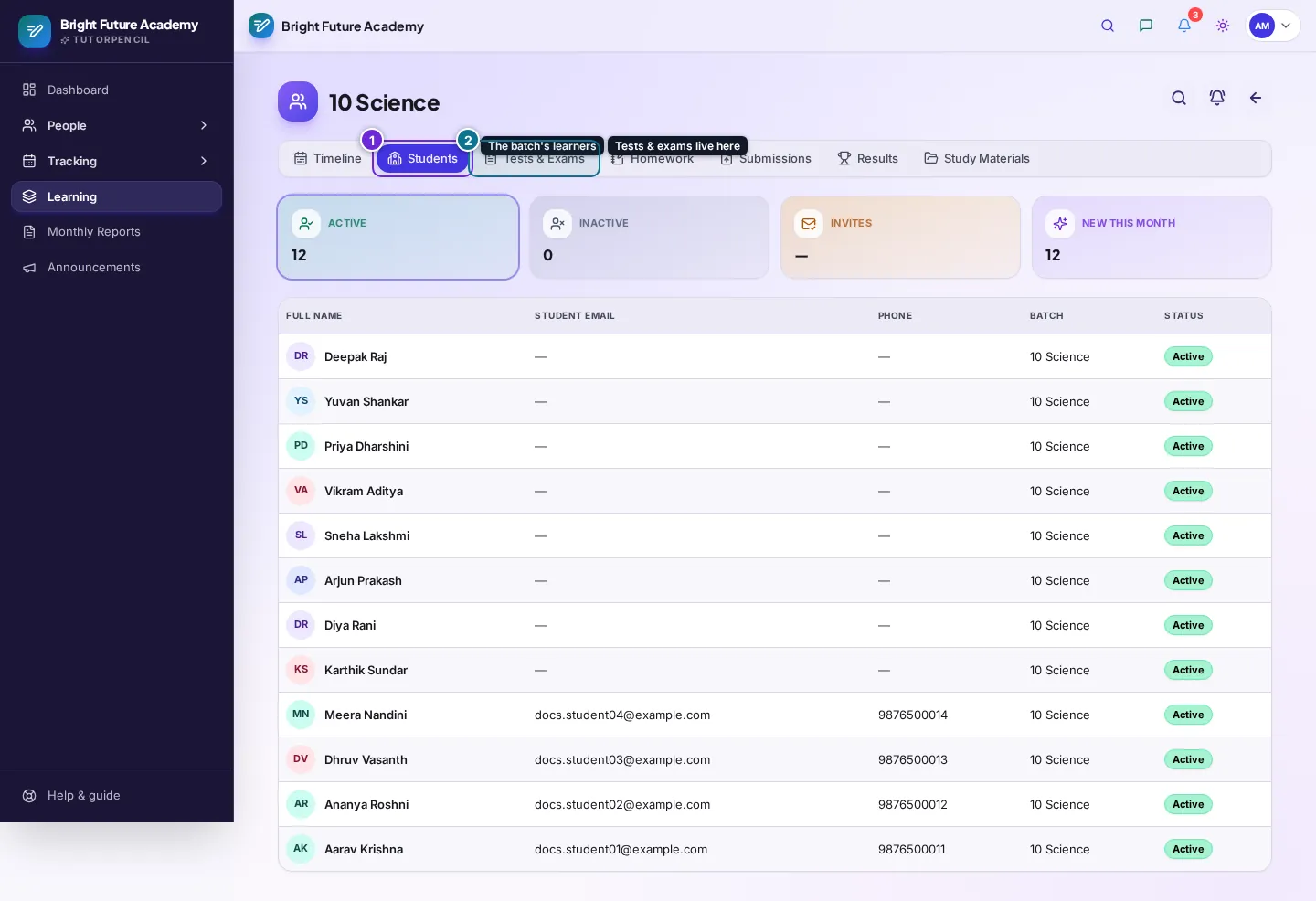
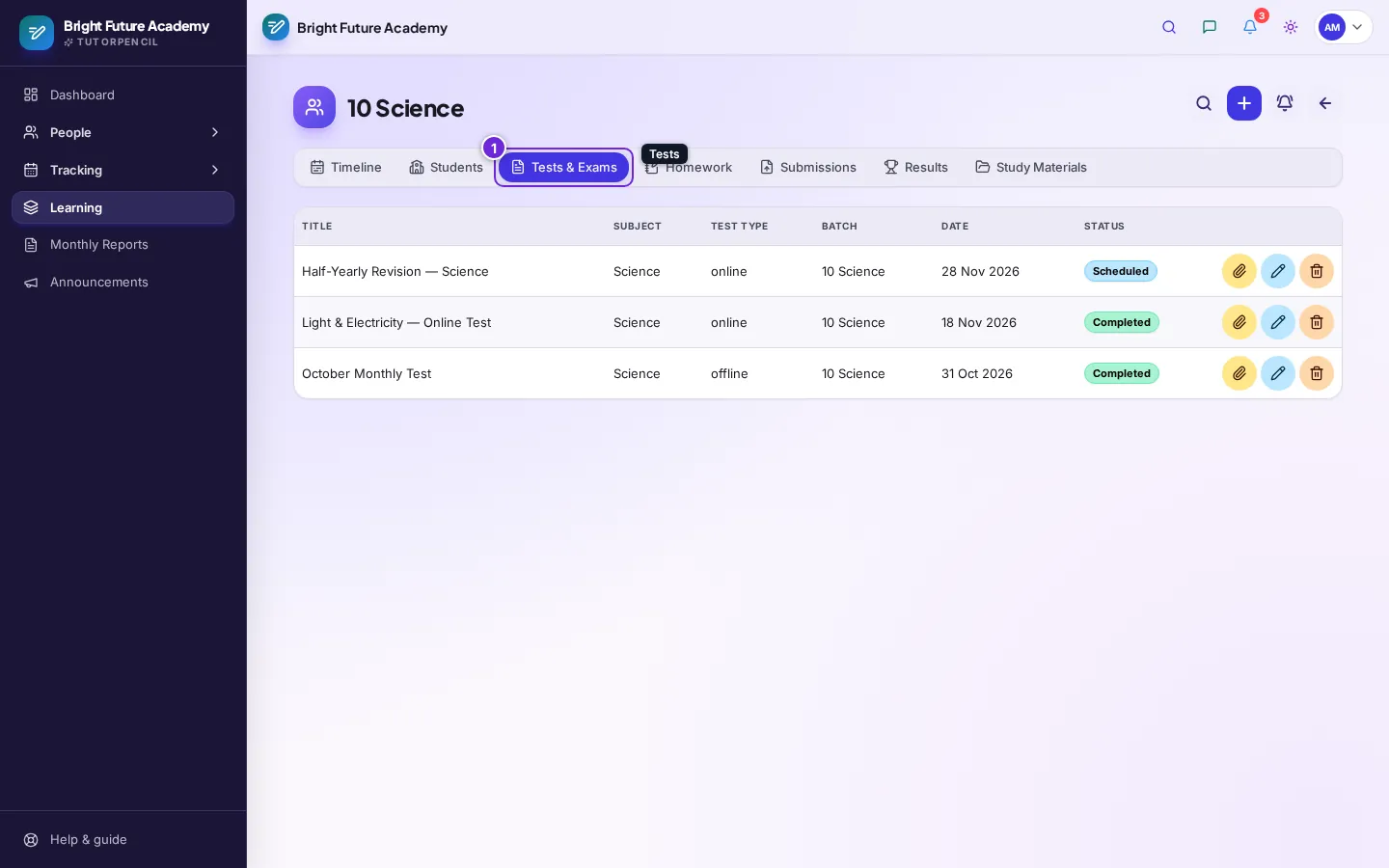
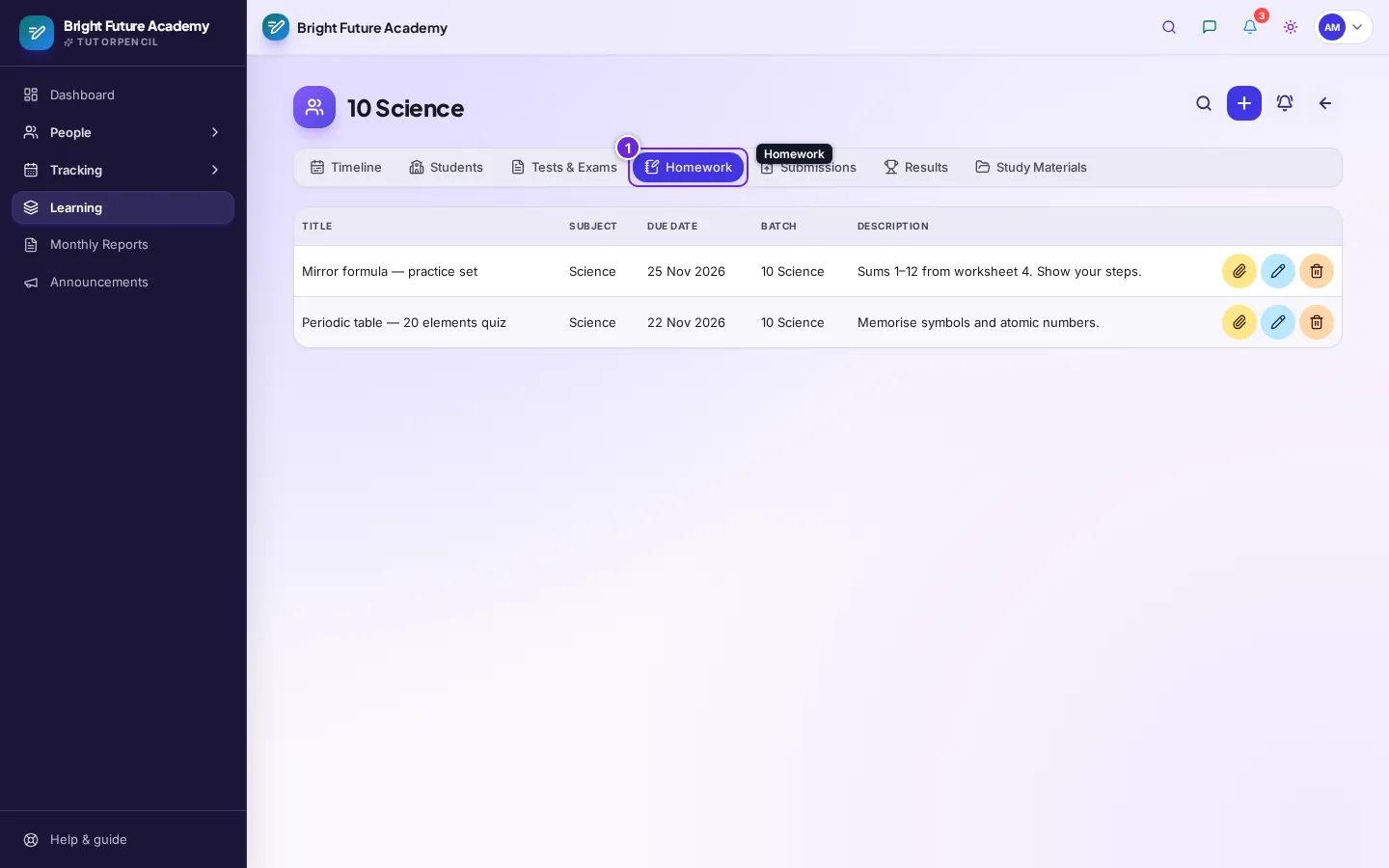
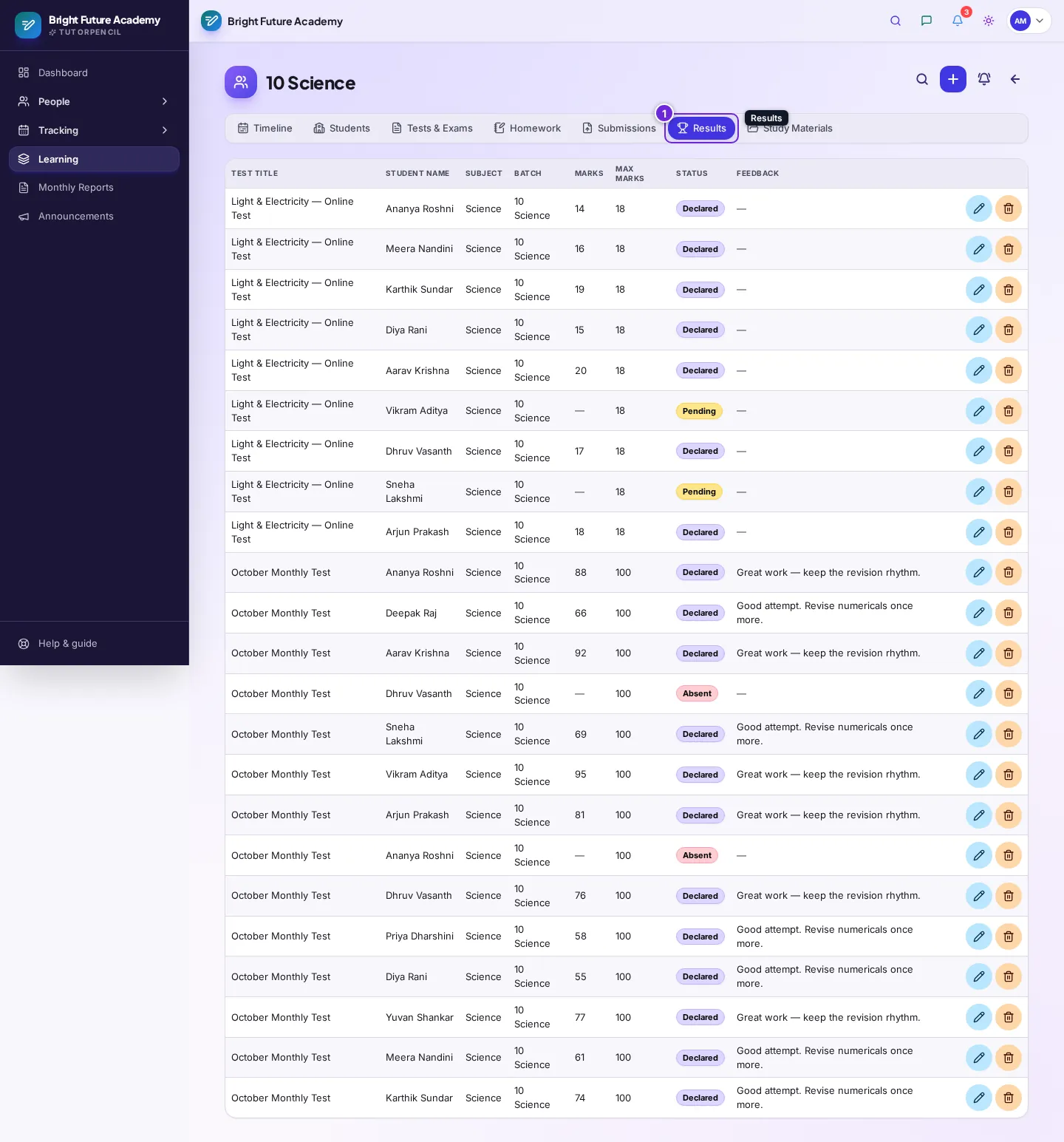
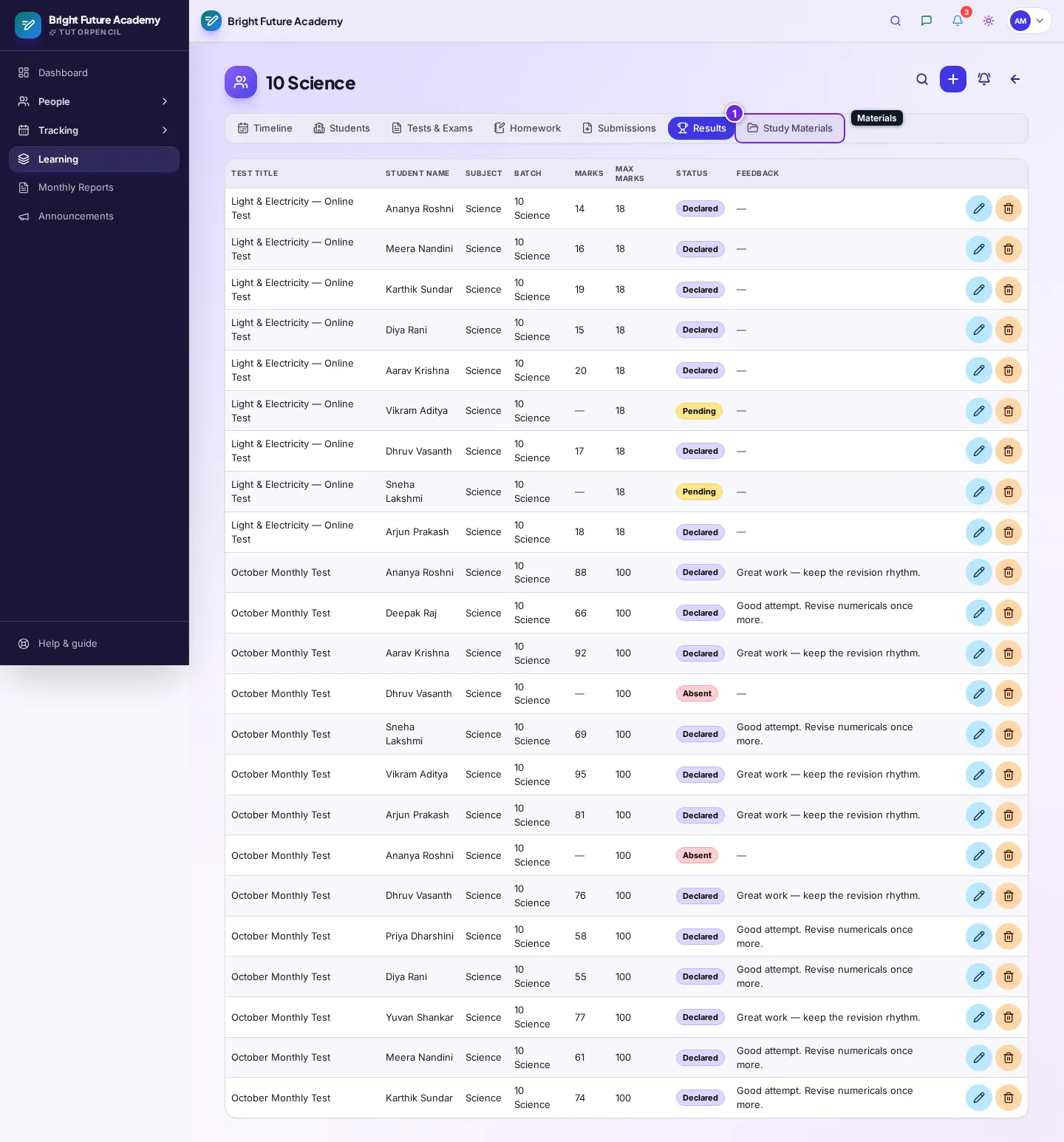
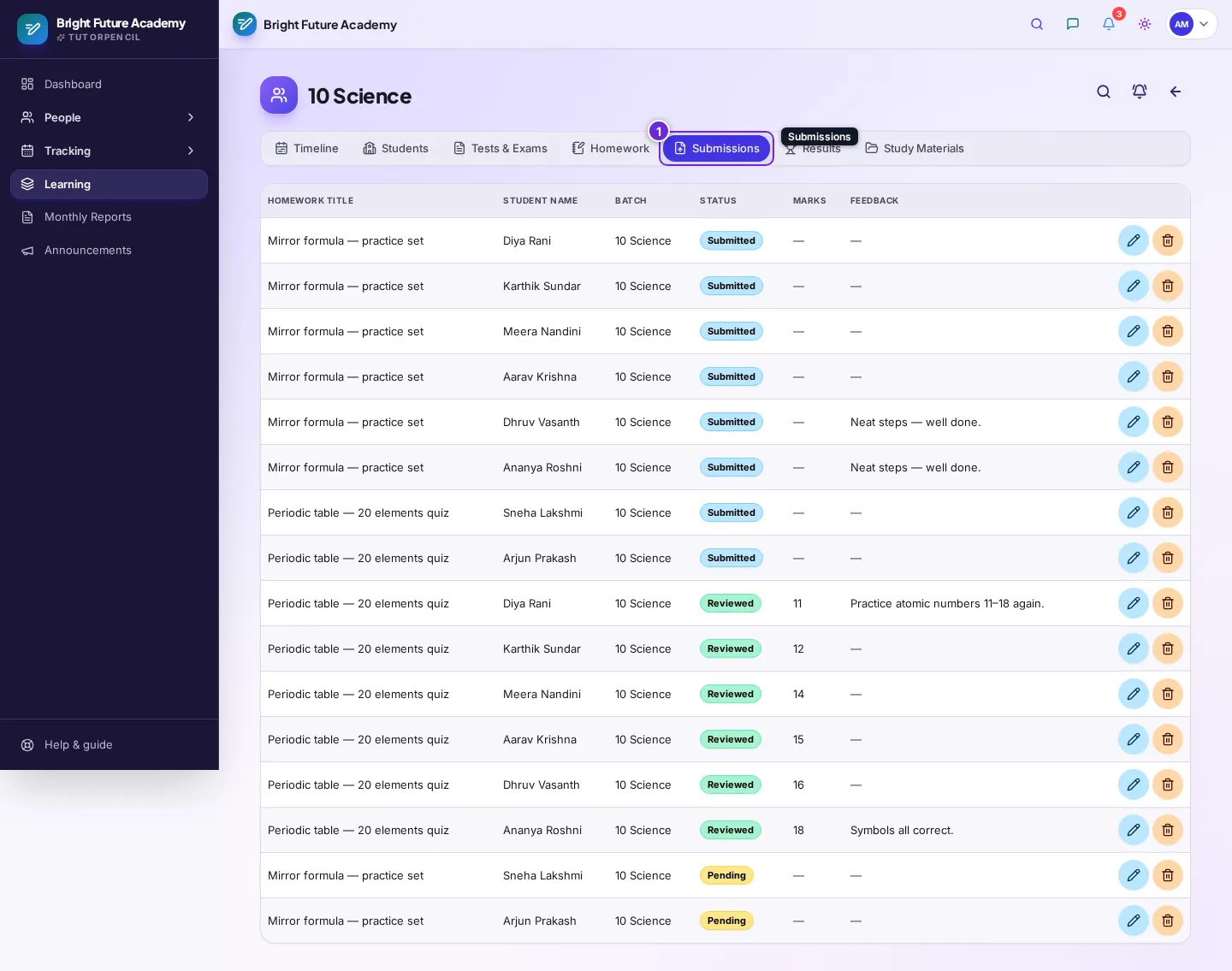
Learning lists the batches you teach or study in. Open one to see its Timeline and tabs for students, tests, homework, submissions, results and study materials.
Daily use
- Teachers add homework, study materials and tests from the batch.
- The single line at the top holds search, add, Send class reminder (a bell icon) and a button back to all batches.
- Students open their batch to read materials, take online tests and hand in homework.
- Parents see their children's batches.
Troubleshooting & FAQ
A student doesn't see the batch — check their batch on the student record (People → Students). A teacher is missing a batch — add them as a teacher of that batch in Org → Batches.
Related pages: BatchesTests, online exams and resultsHomework & submissions