
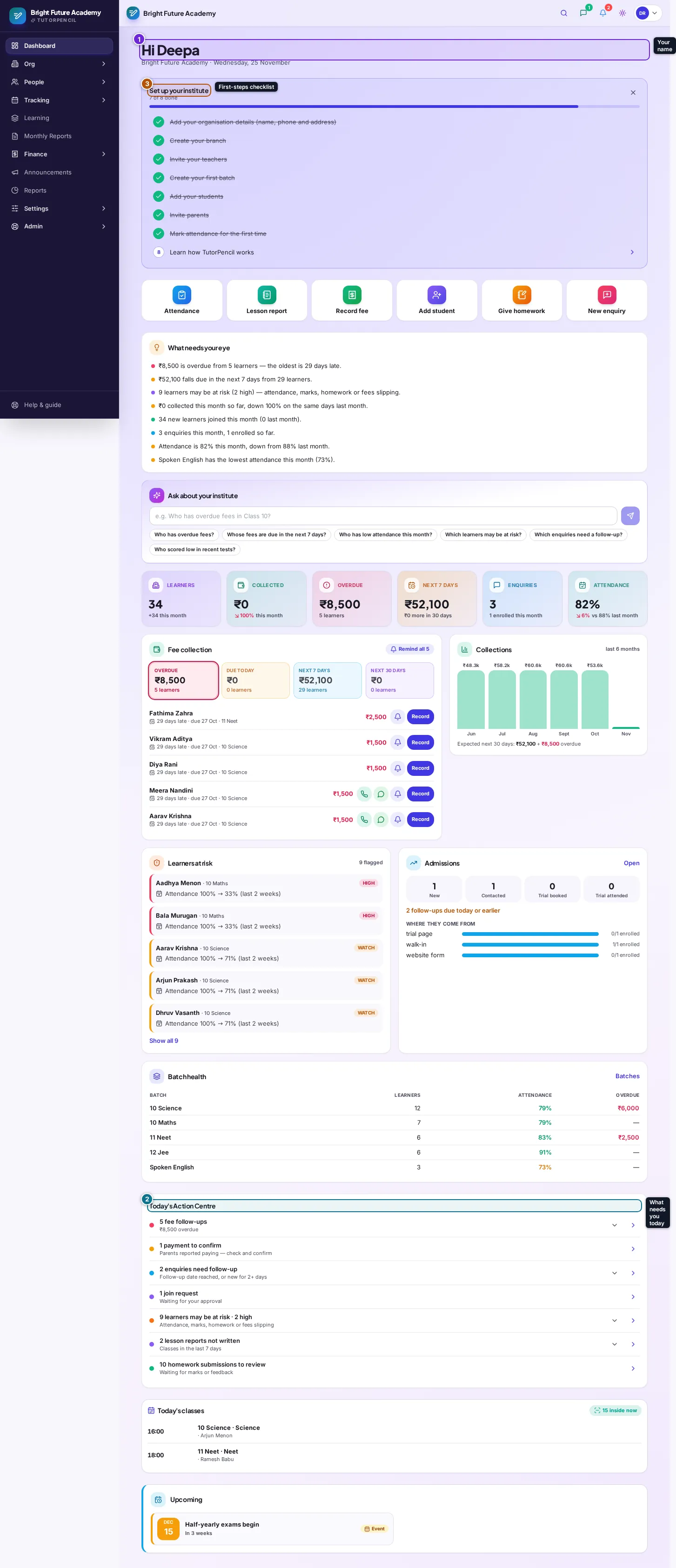
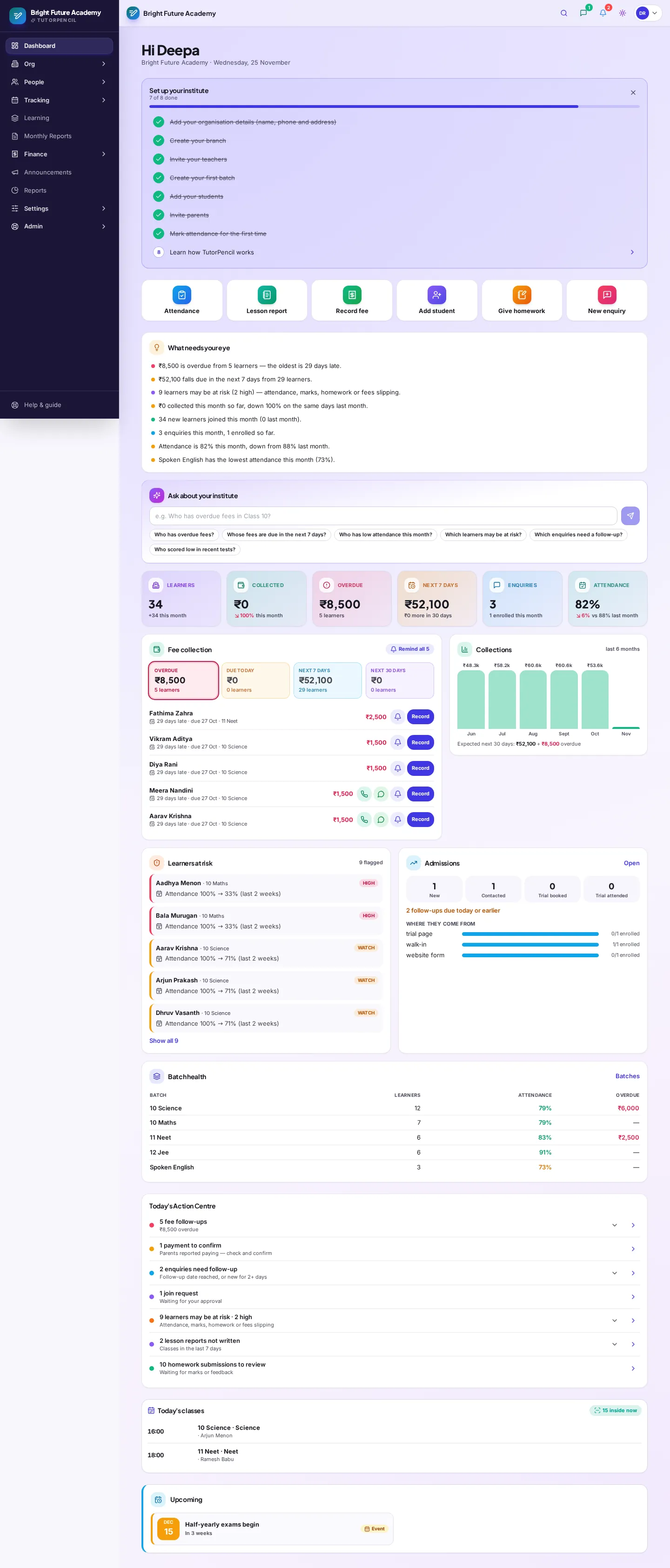
A new institute opens on a Set up your institute checklist. Each item ticks itself off when the work is done.
- Add your organisation details (name, phone and address) — Org → Details.
- Create your branch — Org → Branches (institutes only).
- Invite your teachers — People → Teachers (institutes only).
- Create your first batch — Org → Batches. Fees, attendance, tests and the timetable all hang on a batch.
- Add your students — People → Students. Add them one by one or import a sheet.
- Invite parents — People → Parents, so families can see attendance, results and fees.
- Mark attendance for the first time — Tracking → Take Attendance.
- Learn how TutorPencil works — opens Help & guide.
Independent teachers see Set your weekly timetable instead of the branch and teacher steps.
How it works
The checklist looks at what already exists in your institute and ticks the matching item. Each item opens the right screen. It is only a guide — nothing is locked behind it.
Troubleshooting & FAQ
An item is ticked but I didn't do it — the checklist ticks an item as soon as a matching record exists, for example one batch. That's expected. An item became unticked again — the record it depended on was removed, for example your only batch.
Related pages: Sign up and register your instituteBatchesStudentsTimetable