
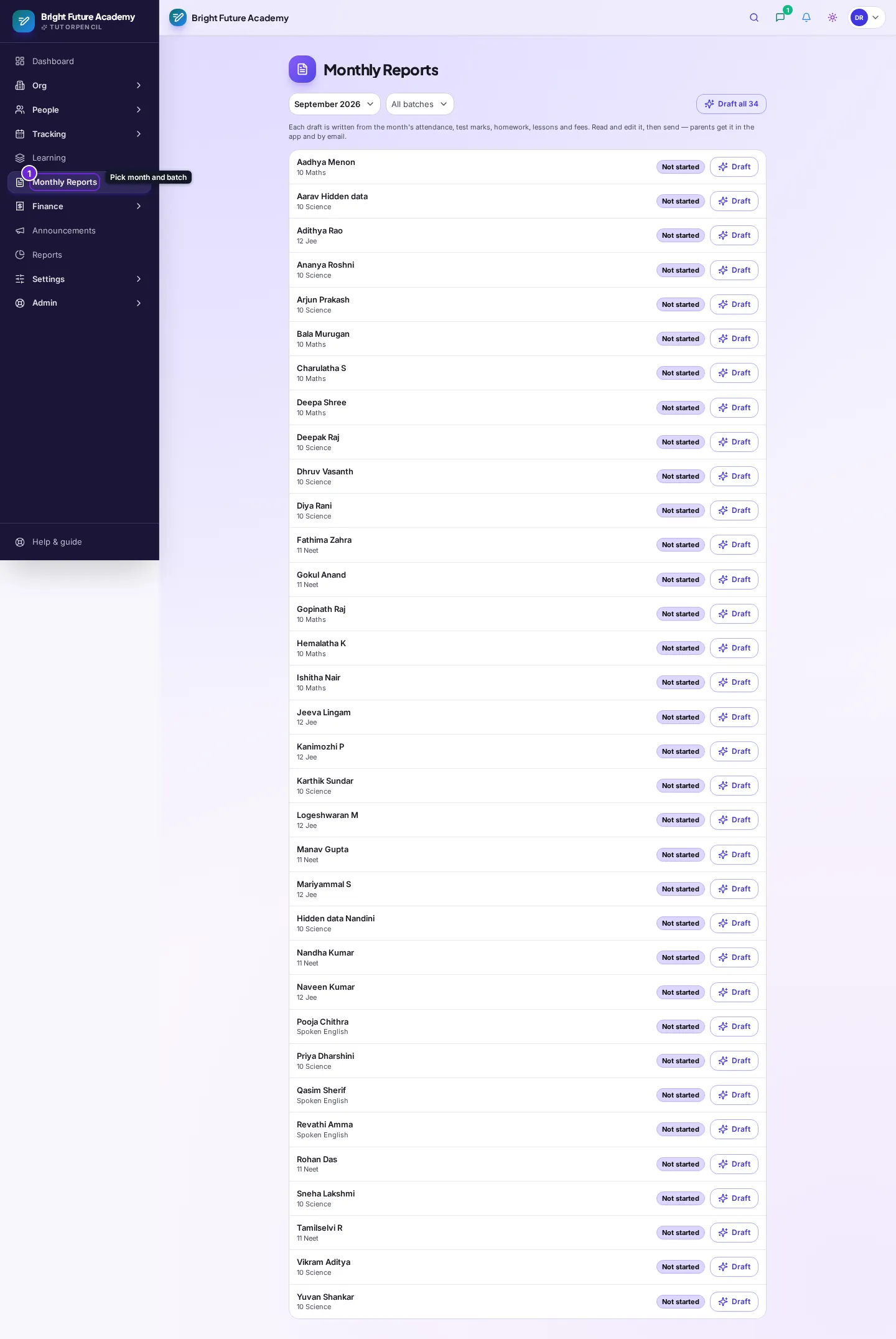
- Open Monthly Reports and choose the Month and Batch (or All batches).
- Drafts are made for each active learner. Press Review & send on one, check and edit the text, and send it. Redraft writes it again.
- Parents are notified when their report arrives.
How it works
Each month, staff prepare a report for every learner from what's already in TutorPencil: attendance, test results (compared with last month), homework handed in, topics covered in class and fees. Staff review each draft, then send it. Parents (and students) read it under Monthly reports.
Daily use
- Parents press Seen to mark a report read, or I want to discuss and say what they'd like to talk about and good times to call. The institute is told and contacts them.
- Parents can also press Request a meeting (Talk to the teacher) at any time: choose the child, what to discuss and good times. The institute then sets up the meeting in Meet.
Troubleshooting & FAQ
A parent says the report is old — check you sent the current month's report, not an earlier draft.
Related pages: AnnouncementsMessages (chat)Lesson reports