
How it works
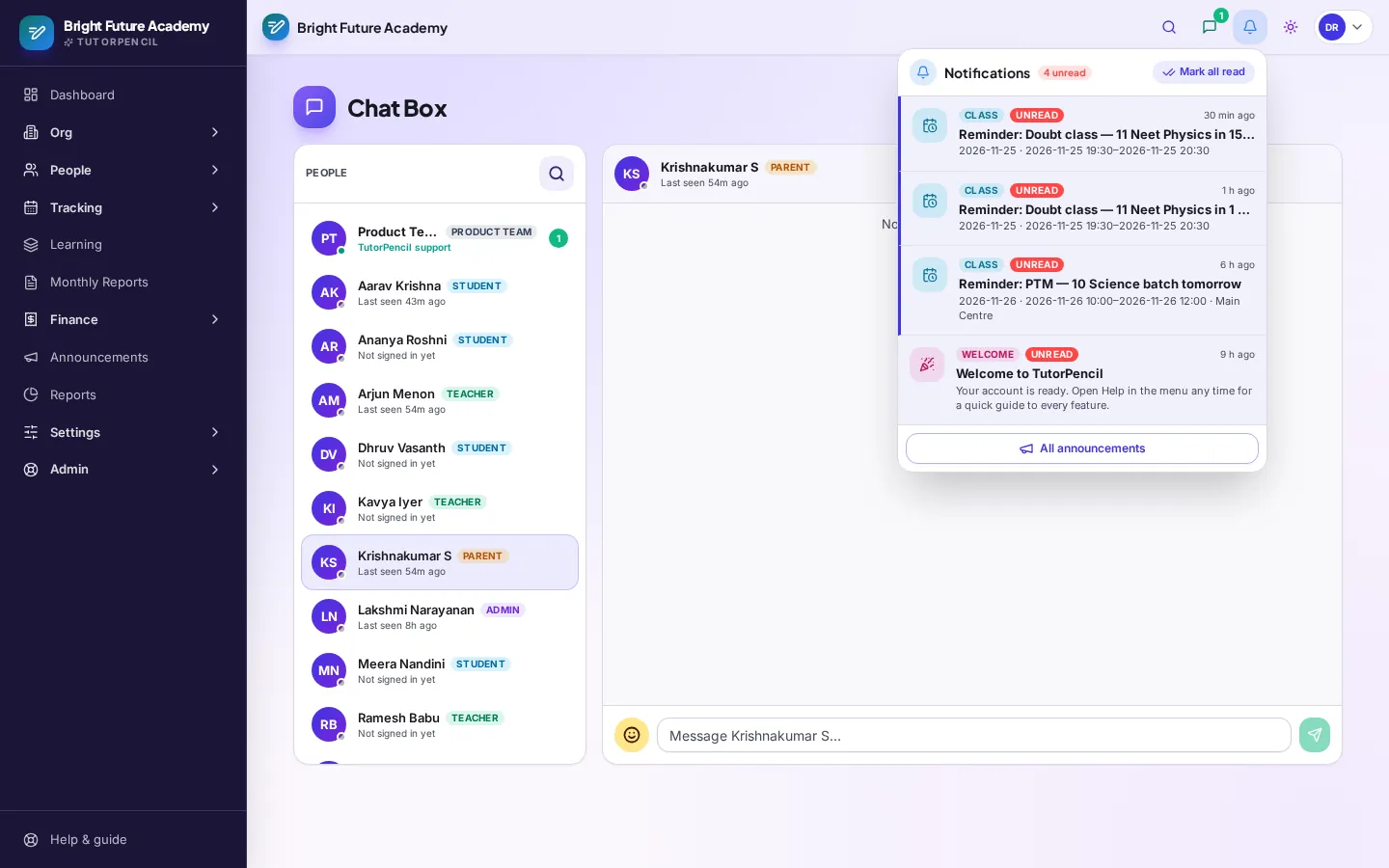
The bell collects your alerts: door check-ins, lesson reports, results, homework, fee reminders, support replies, announcements and more. A number on the bell shows how many are unread.
Daily use
- Press the bell to see your alerts. Switch between Unread and all.
- Press an alert to open the screen it's about.
- Mark all read clears the count. All announcements opens the Announcements page.
Troubleshooting & FAQ
Nothing arrives on my phone — notifications are set per device; turn them on for that phone and allow them in the phone's settings.
Related pages: AnnouncementsMessages (chat)Phone apps, install and push alerts