
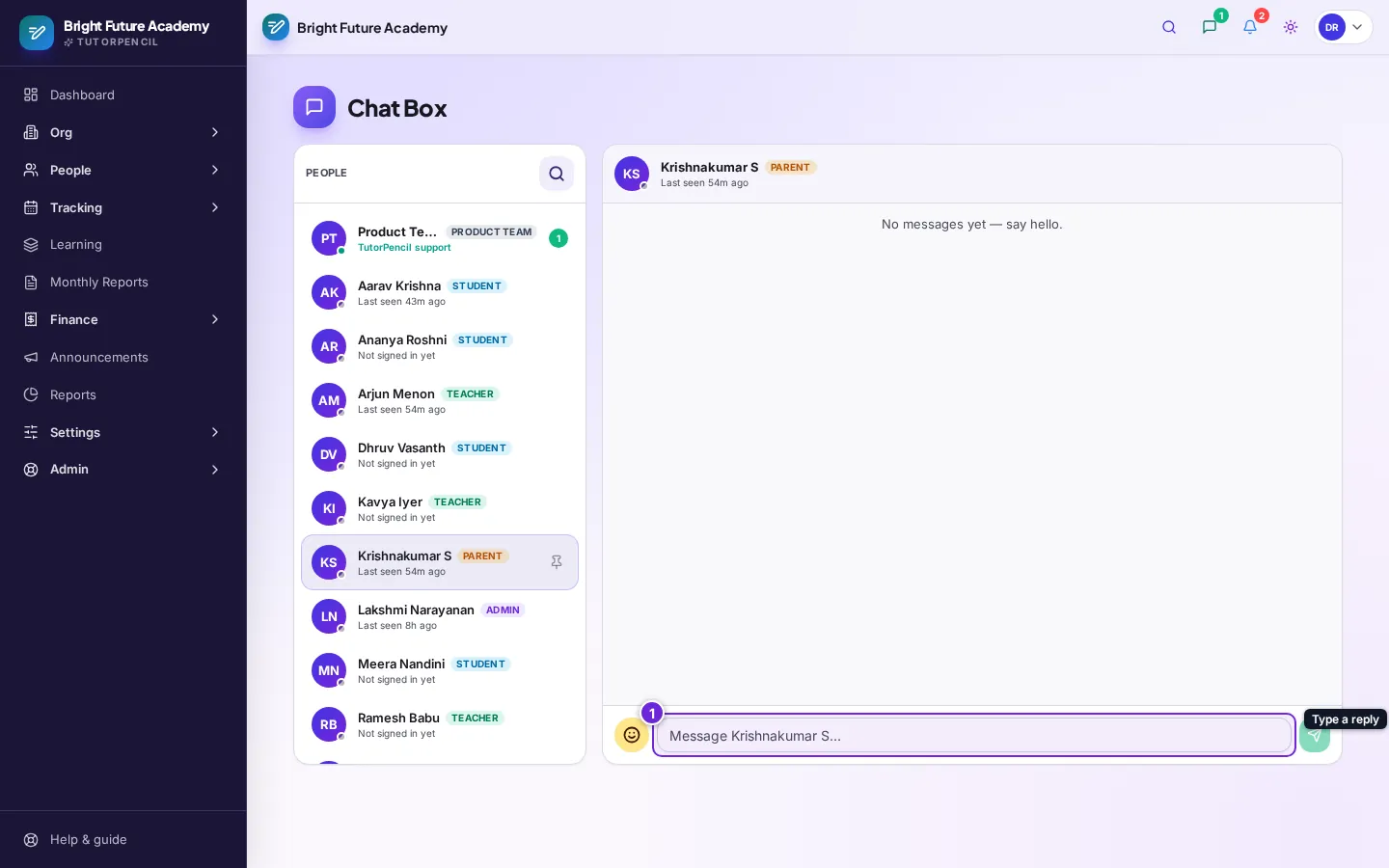
- Press the chat icon in the top bar.
- Pick a person from People (use Search people… to find someone).
- Type your Message and press Send. Messages show Sent and then Read.
How it works
Chats are one-to-one (no groups). The People list shows who you can talk to; staff see families and colleagues, and families see their teachers and the institute team. Owners and admins also always have a Product Team contact for talking to TutorPencil.
Daily use
- Pin to top keeps up to 5 important chats in a Pinned group at the top of the list. Unpin removes them.
- Drafts are kept. If you leave a chat half-typed — or the app refreshes — your text is still there when you come back, and the list shows "Draft: …" in place of the last-seen time.
- Unread chats show a dot on the chat icon.
Troubleshooting & FAQ
A parent isn't in my list — you see the families of learners you're allowed to see; check the learner's batch and the parent's link to the child. I don't get chat alerts on my phone — turn on notifications under Profile → Phone notifications.
Related pages: Notifications (the bell)Parents and guardiansAnnouncements