
- Change themes, email templates and your website from the tabs above, then press Save on the banner.
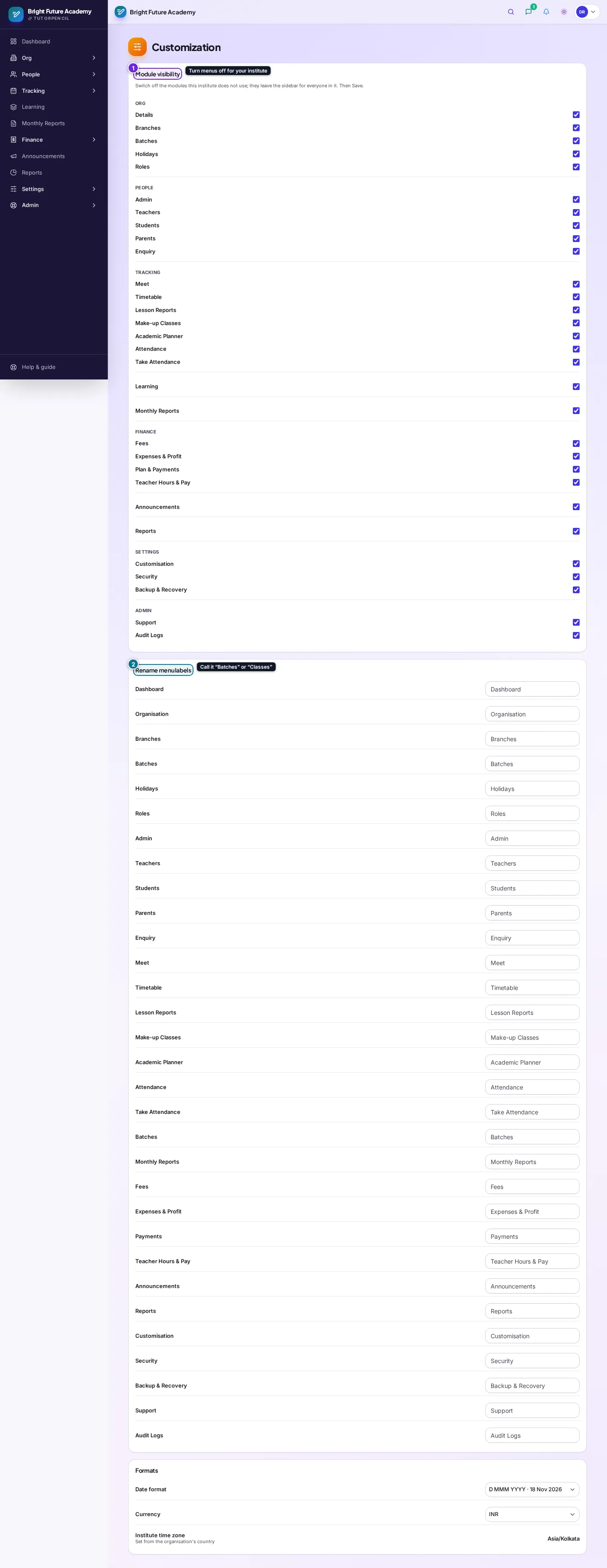
- To switch a module on or off, or rename a menu, raise a ticket under Admin → Support. The TutorPencil team changes it for you.
How it works
Settings → Customisation has three tabs:
- Themes — your institute's colour theme (see Appearance & themes).
- Email templates — the wording of emails your institute sends (see Email templates).
- Website — your institute website (see Your institute website).
Your menus follow the kind of institute you registered (for example a music school doesn't see exam-style wording) and the modules in your plan.
Troubleshooting & FAQ
A menu disappeared — it may not be part of your plan, or it was switched off for your institute. Ask under Admin → Support.
Related pages: Appearance & themesEmail templatesYour institute website